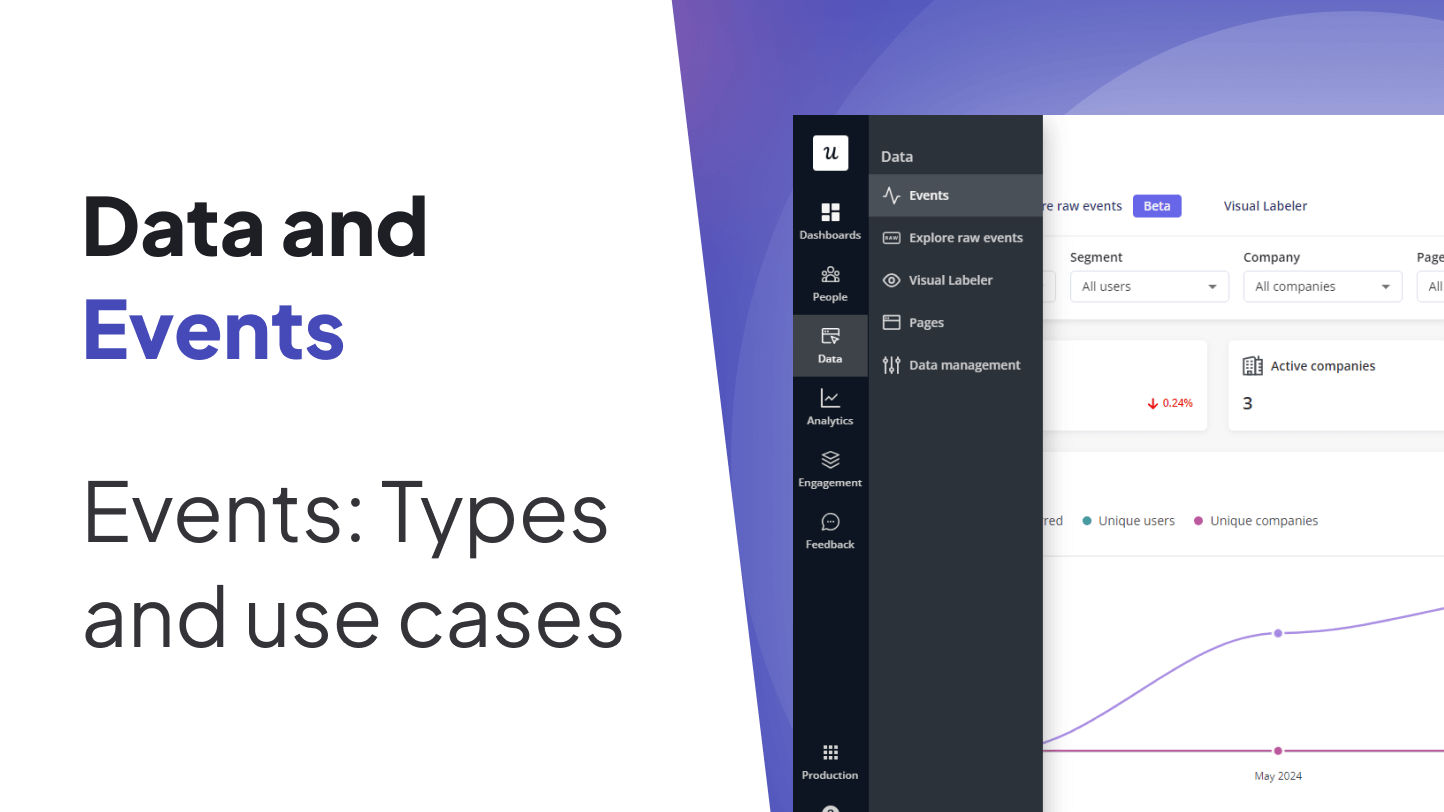
Product analytics can feel like trying to understand a party by counting how many people walked through the door. Useful? Sure. Complete? Not even close. You also need to know who grabbed a snack, who joined the karaoke corner, who left after five minutes, and who quietly became the life of the party. In digital products, those meaningful user actions are called events.
In Userpilot, events help product teams understand what users actually do inside an app. Instead of guessing whether customers are adopting a feature, completing onboarding, or getting stuck in a workflow, you can track interactions and turn them into decisions. Events are the tiny breadcrumbs users leave behind, except these breadcrumbs lead to better activation, stronger retention, smarter onboarding, and fewer “we think users might be confused” meetings.
This guide explains the main types of events in Userpilot, how they work, and the best use cases for SaaS teams, product managers, customer success teams, growth marketers, and UX researchers. We will also cover practical examples, event-tracking best practices, and real-world lessons from using event data to improve product experiences.
What Are Events in Product Analytics?
An event is a recorded user action inside a digital product. It might be a click, form submission, text input, page visit, account upgrade, invoice creation, checklist completion, or backend action such as a payment being processed. In plain English, an event answers the question: What did the user do?
Traditional website analytics often focus on page views, sessions, traffic sources, and bounce rates. That is helpful for understanding visitors, but modern SaaS products are more complicated. A user may spend twenty minutes in a single-page app without refreshing anything. They might create a project, invite a teammate, open a dashboard, and export a report without triggering a traditional page load. Event tracking captures those deeper interactions.
Good event analytics usually includes four basic ingredients: the event name, the user or company connected to the action, the timestamp, and extra properties that describe the context. For example, an event called Created Invoice might include properties such as invoice amount, currency, plan type, workspace ID, or number of previous invoices created.
Why Events Matter in Userpilot
Userpilot is built for product growth, onboarding, feature adoption, user feedback, and in-app engagement. Events are the connective tissue between those pieces. They allow teams to track user behavior, segment audiences, trigger personalized experiences, analyze funnels, measure goals, and understand product usage without turning every question into a developer ticket.
Think of events as the product team’s night-vision goggles. Without them, you can still move around, but you will bump into furniture and blame the roadmap. With events, you can see which features users discover, which steps slow them down, and which actions predict long-term retention.
The Main Types of Events in Userpilot
Userpilot supports several event approaches, each designed for a slightly different job. The most important categories are raw events, labeled events, tracked events, and custom events. They sound similar at first, but each one has a distinct role in a healthy product analytics setup.
1. Raw Events
Raw events are automatically captured user interactions. These can include clicks, text inputs, and form submissions inside your product. Once auto-capture is enabled, Userpilot can begin collecting front-end interactions so teams can later decide which ones are worth labeling and analyzing more closely.
The biggest advantage of raw events is discovery. Many teams do not know exactly what they need to track at the beginning. Raw events help reveal what users are already doing. You might discover that a secondary button receives more attention than your main call-to-action, or that users repeatedly interact with a filter that your team assumed nobody cared about. Product analytics loves proving assumptions wrong. It is basically its cardio.
Best Use Cases for Raw Events
Raw events are useful when you want to explore user behavior before building a formal tracking plan. They help identify popular features, overlooked interactions, and moments that deserve deeper analysis. Raw events are also helpful for nontechnical teams because they reduce the need to ask engineers to instrument every possible click manually.
For example, imagine a project management app launches a new timeline view. Instead of immediately creating a dozen manually coded events, the product team can inspect raw interactions to see whether users click timeline filters, expand tasks, change dates, or abandon the view quickly. The team can then label the most meaningful actions for reporting and segmentation.
2. Labeled Events
Labeled events are events that you intentionally name and track in Userpilot, often without code. A team can label interactions using a visual labeler, CSS selectors, or previously captured raw events. This makes labeled events especially valuable for product managers and growth teams who want to measure feature usage without waiting three sprints for engineering bandwidth.
A labeled event might be something like Clicked Upgrade Button, Submitted Feedback Form, or Opened Analytics Dashboard. The point is to turn a technical interaction into a business-friendly signal that everyone understands.
Best Use Cases for Labeled Events
Labeled events are ideal for tracking specific interface interactions. Use them when the action happens in the front end and can be identified visually or through selectors. Common examples include button clicks, link clicks, tab changes, form submissions, menu selections, and interactions with important UI elements.
They are also useful for measuring adoption of new features. If your team releases a “Bulk Import” button, labeling that button click can show how many users try it, which segments use it, and whether an onboarding tooltip increases engagement. Suddenly, your product launch has actual evidence instead of a celebratory Slack thread and crossed fingers.
3. Tracked Events
Tracked events are sent to Userpilot through code, SDK methods, APIs, or integrations. They are useful when an event needs more context, happens outside a simple front-end interaction, or requires backend confirmation. For instance, clicking a “Pay Now” button is one thing; a successful payment is another. The second one is usually more reliable as a business event.
Tracked events can include metadata, also known as event properties. This makes them powerful for deeper analysis. Instead of only knowing that a user created an invoice, you can know the invoice amount, the user’s plan, the workspace size, or whether it was their first invoice.
Best Use Cases for Tracked Events
Tracked events work best for important actions that require precision. Examples include account creation, subscription changes, payment completion, report generation, user invitation, trial activation, integration connection, and completed onboarding milestones.
They are also useful for mobile apps, backend systems, and external platforms. If a billing provider, CRM, or support platform records an action that matters to the user journey, sending it as a tracked event can help Userpilot personalize experiences and improve segmentation.
4. Custom Events
Custom events in Userpilot allow teams to combine or group multiple events into a single meaningful category. This is useful when success is not represented by one tiny action but by a broader behavior pattern.
For example, suppose your product has several ways for a user to engage with a reporting feature. They might open a report, apply a filter, export a PDF, schedule an email, or share the report with a teammate. Instead of analyzing each event separately every time, you could create a custom event that represents “Engaged With Reporting.”
Best Use Cases for Custom Events
Custom events are best for simplifying analysis and triggering experiences based on grouped behavior. They are especially helpful when multiple actions indicate the same intent. A user who exports a report and a user who schedules a report may both be showing meaningful reporting adoption, even if the clicks are different.
Custom events can also help measure process completion. For example, a setup workflow may include connecting an integration, importing data, inviting a teammate, and publishing a first dashboard. A custom event can represent progress toward that larger activation milestone.
Common Event Use Cases in Userpilot
Tracking Feature Adoption
Feature adoption is one of the most common reasons teams use events. It is not enough to know that a feature exists. You need to know whether users find it, try it, repeat it, and get value from it. Events help answer those questions with behavior instead of opinions.
For example, a SaaS company might track events such as Opened Automation Builder, Created Automation Rule, and Activated Automation. The first event shows awareness, the second shows experimentation, and the third shows meaningful adoption. That sequence is much more useful than simply counting visits to the automation page.
Triggering Personalized In-App Experiences
Events can trigger targeted in-app messages, tooltips, flows, checklists, or announcements. This is where analytics becomes action. Instead of showing every user the same onboarding tour, you can respond to what each user has actually done.
If a user has not invited a teammate after creating a project, Userpilot can show a helpful prompt. If a user repeatedly opens a feature but never completes the key action, you can guide them with a contextual tooltip. If a power user hits a usage milestone, you can introduce an advanced feature. Personalization works better when it behaves less like a megaphone and more like a helpful product coach.
Building Smarter Segments
Events make segmentation more behavioral. Instead of only grouping users by role, company size, plan, or signup date, you can segment by actual actions. Examples include users who completed onboarding, users who clicked upgrade but did not purchase, users who created three projects, or users who connected an integration but never used it.
Behavioral segments are valuable because they reflect intent. A user who clicked “Export Data” five times may need documentation, an upgrade prompt, or a customer success follow-up. A user who has not performed a core action after seven days may need rescue onboarding before they quietly disappear into the churn fog.
Measuring Onboarding Success
Onboarding is not successful because a user saw five tooltips. Onboarding is successful because the user reached value. Events help teams define and measure that value.
For a design tool, the activation event might be Created First Design. For an email platform, it might be Sent First Campaign. For an analytics platform, it might be Connected Data Source and Viewed First Dashboard. Once the key event is defined, teams can build onboarding flows that move users toward it.
Analyzing Funnels and Drop-Off
Events are the building blocks of funnels. A funnel shows the steps users take toward a goal and where they drop off. For example, a trial-to-paid funnel might include Signed Up, Completed Setup, Invited Team Member, Clicked Upgrade, and Completed Payment.
If many users click upgrade but fail to complete payment, the problem may be pricing clarity, payment friction, missing trust signals, or a bug. If users never reach the upgrade page, the issue may be earlier in the journey. Funnel analytics helps you stop treating every conversion problem like a mystery novel.
Supporting Customer Success and Expansion
Customer success teams can use events to spot both risk and opportunity. Low product usage, failure to adopt sticky features, or repeated abandonment of key workflows may signal churn risk. On the other hand, frequent use of advanced features may signal expansion potential.
For example, if an account uses reporting heavily but remains on a limited plan, customer success can start a helpful conversation about advanced reporting or additional seats. The key is to use event data as a conversation starter, not as a robotic “our system says you clicked a thing” ambush.
Examples of Useful Events to Track
The right events depend on your product, but most SaaS teams benefit from tracking actions across acquisition, activation, engagement, retention, and expansion.
Activation Events
Activation events show that a new user has reached an early value moment. Examples include Created First Project, Connected Integration, Uploaded First File, Invited First Teammate, or Published First Campaign.
Engagement Events
Engagement events show ongoing product usage. Examples include Viewed Dashboard, Used Search, Applied Filter, Exported Report, Added Comment, or Completed Task.
Retention Events
Retention events indicate that users are coming back to repeat valuable actions. These might include weekly project updates, recurring report views, repeated automation runs, or monthly team collaboration events.
Expansion Events
Expansion events suggest a user may be ready for a higher plan, more seats, or advanced features. Examples include Reached Usage Limit, Clicked Upgrade, Added Fifth Team Member, Requested Advanced Feature, or Viewed Billing Page.
Best Practices for Event Tracking in Userpilot
Start With Business Questions
Do not track events just because you can. That path leads to a dashboard with 900 events, three confused analysts, and one product manager whispering, “What does button_click_47 mean?” Start with the questions you need to answer. Which actions predict activation? Which features drive retention? Where do users abandon setup? What behavior signals upgrade intent?
Use Clear Naming Conventions
Event names should be understandable to humans. A common format is object plus action, such as Project Created, Report Exported, or Invite Sent. Avoid vague names like Clicked Button unless the button itself is described through properties.
Track Properties for Context
Properties make events more useful. Report Exported is helpful. Report Exported with report type, plan, user role, file format, and workspace size is much more powerful. Properties help teams break down behavior and understand patterns across segments.
Separate Signal From Noise
Not every click deserves to become a headline metric. Track events that connect to user value, product goals, or operational decisions. If nobody will ever act on the event, it probably does not need a VIP seat in your analytics plan.
Combine No-Code and Developer-Led Tracking
Userpilot is useful because it supports both nontechnical event labeling and more technical tracked events. Use no-code labeled events for front-end interactions and developer-led tracking for backend actions, high-value milestones, and events that require reliable metadata.
Experience-Based Insights: What Teams Learn From Event Tracking
One of the biggest lessons from working with product events is that teams often begin with too many assumptions and too few definitions. Everyone agrees that “activation” matters, but five people may define it five different ways. The marketer may think activation means opening the welcome email. The product manager may think it means creating a first project. The customer success manager may think it means inviting the team. The user, meanwhile, just wants the product to solve a problem before lunch.
A strong event strategy forces clarity. When a team chooses events such as Project Created, Integration Connected, and Dashboard Shared, it is also choosing what value means inside the product. That shared language is more important than many teams realize. It turns vague discussions into measurable decisions.
Another common experience is discovering that users do not behave the way the team expected. A feature that looked obvious in a product demo may be invisible to new users. A secondary workflow may become surprisingly popular. A beautifully designed onboarding step may be skipped because users are impatient, confused, or simply allergic to anything that looks like homework. Event data reveals these patterns without needing to interrupt every customer with a survey.
Event tracking also teaches teams the difference between activity and value. A user can click many things and still fail to succeed. For example, a new user might open settings, visit documentation, click a tooltip, and return to the dashboard three times. That is activity, but it may actually signal confusion. A better success event might be completing the first meaningful workflow. The goal is not to celebrate motion; the goal is to measure progress.
In practice, the best teams review events regularly. They archive what no longer matters, rename confusing events, improve properties, and connect event data to onboarding, messaging, and customer outreach. Event tracking is not a “set it and forget it” project. It is more like a garden. If you do not prune it, weeds grow, labels get messy, and eventually someone creates an event called new_new_final_button_click_v3. Nobody wants that.
Another valuable lesson is that events become more powerful when combined with qualitative feedback. If funnel data shows that users abandon a setup step, session replays, surveys, interviews, and support tickets can explain why. Event analytics shows where to look; user feedback explains what is happening. Together, they create a much clearer picture than either one alone.
Finally, event data works best when it leads to action. A dashboard that nobody uses is just expensive wallpaper. The real value comes when teams use events to trigger onboarding flows, personalize guidance, prioritize product improvements, identify expansion opportunities, and reduce churn risk. In Userpilot, this connection between analytics and in-app engagement is especially important. You are not only watching what users do; you are creating better experiences based on those behaviors.
Conclusion
Events are the foundation of modern product analytics, and in Userpilot they play a central role in understanding user behavior, improving onboarding, increasing feature adoption, and creating personalized in-app experiences. Raw events help teams discover interactions automatically. Labeled events make important front-end actions easy to track without code. Tracked events provide reliable, property-rich data from apps, servers, and external systems. Custom events simplify complex behavior into meaningful signals.
The best event strategy is not the biggest one. It is the clearest one. Start with your product goals, define the actions that represent real user value, name events consistently, add useful properties, and connect insights to action. When done well, event tracking turns your product from a black box into a living map of user behavior. And that map can guide better decisions, better experiences, and better growth.
Note: This article is original, rewritten content based on current product analytics concepts and Userpilot event-tracking practices, prepared for web publishing without inserted source links.